Write a small part
Give rhythm, modulation, panning or another task its own expression.
Web / PWA · procedural audio
 ~bit
~bitBuild a complex bytebeat from small expressions that each do one musical job.
Write a rhythm, a modulation or a pan movement. Connect the pieces and care about how they sound — NotBit takes care of the expression growing behind them.
Compose
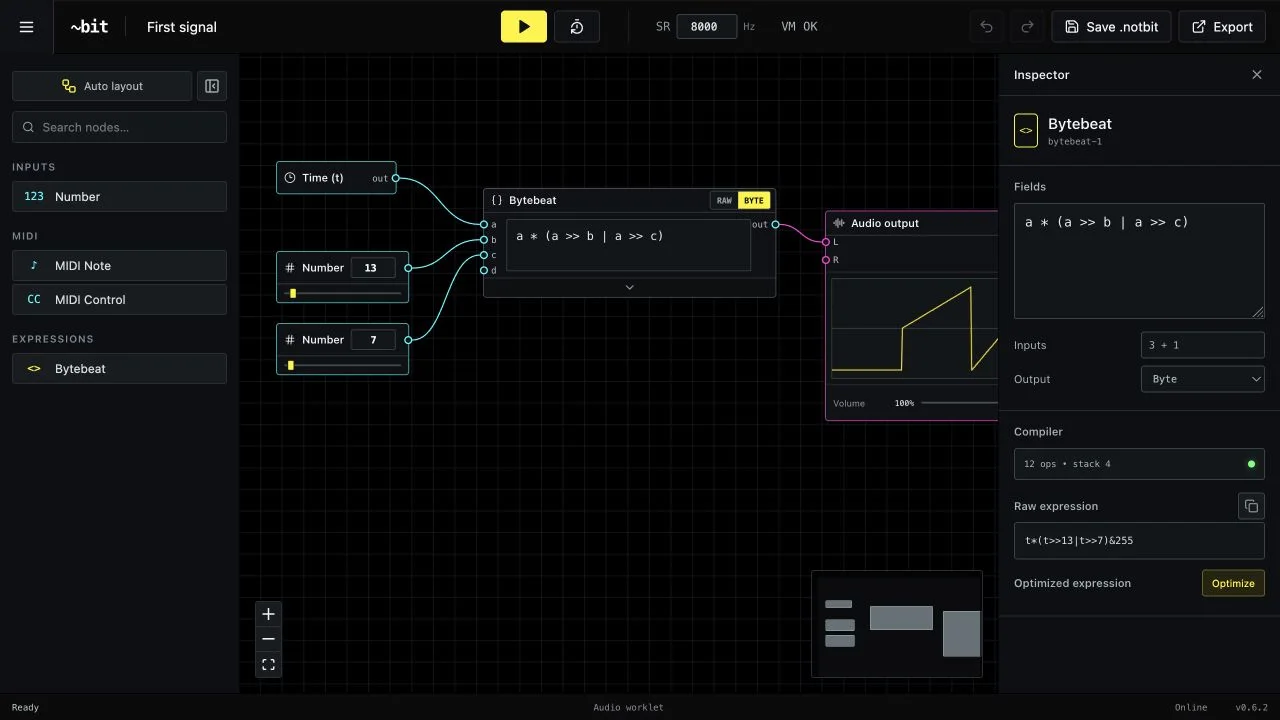
A bytebeat can begin with a tiny rhythm and grow into modulation, voices, panning and a final mix. Keeping all of that in one expression makes every new experiment harder than it needs to be.
You still write bytebeat in NotBit. The difference is that each node can hold a complete, simple expression with one clear purpose. Make that piece sound right, connect it to the others and move on. The node graph keeps those expressions separate and understandable while their combined formula becomes more complex.
Finish
Give rhythm, modulation, panning or another task its own expression.
Build on finished pieces instead of repeatedly rewriting one growing formula.
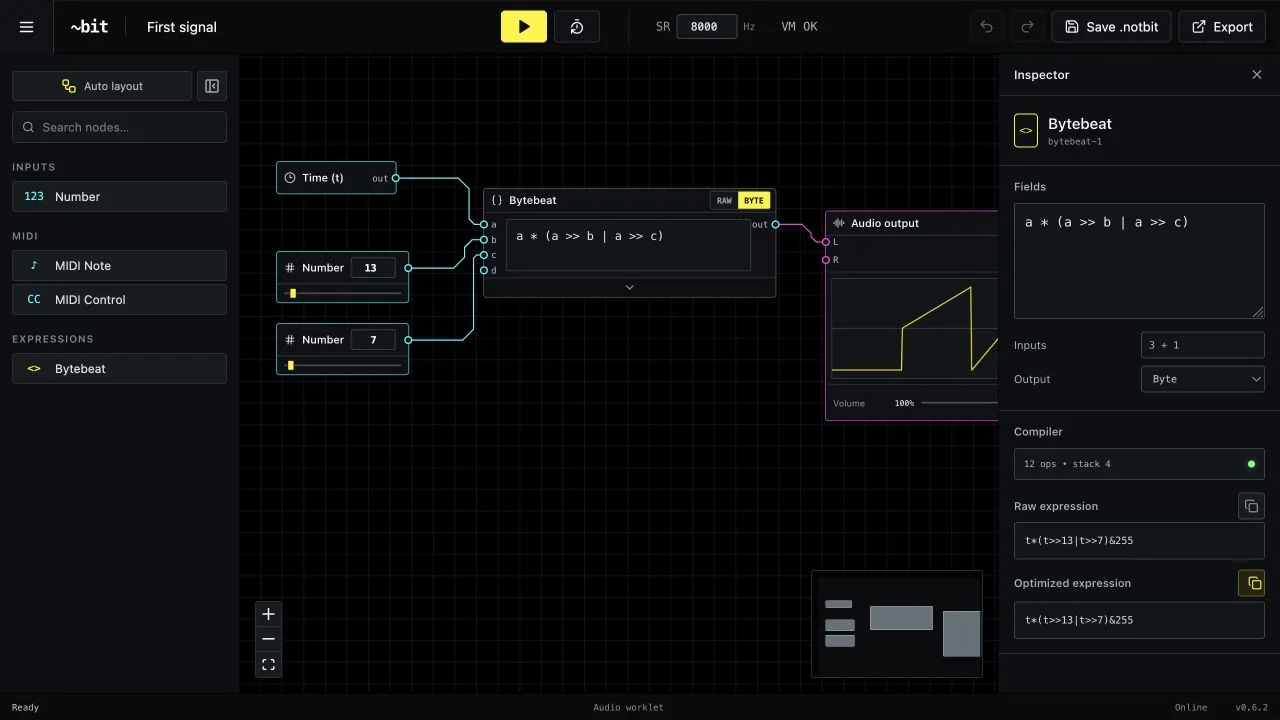
When the sound is ready, ask NotBit to make the combined expression compact.
Copy one bytebeat formula or export a standalone version, while keeping the editable node project for later.
Perform
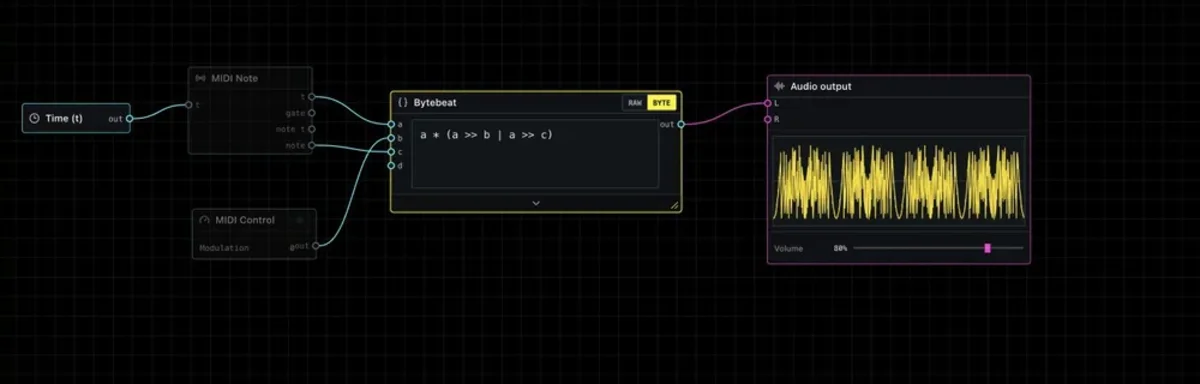
Once the pieces work together, play the result instead of only letting it run. Add notes, gates and controller movement as inputs to the expressions that need them.
Each control remains a separate musical concern, so performance can evolve without turning the sound design back into one formula you are afraid to touch.
Build the voice once. Then play what it can become.
Inspect
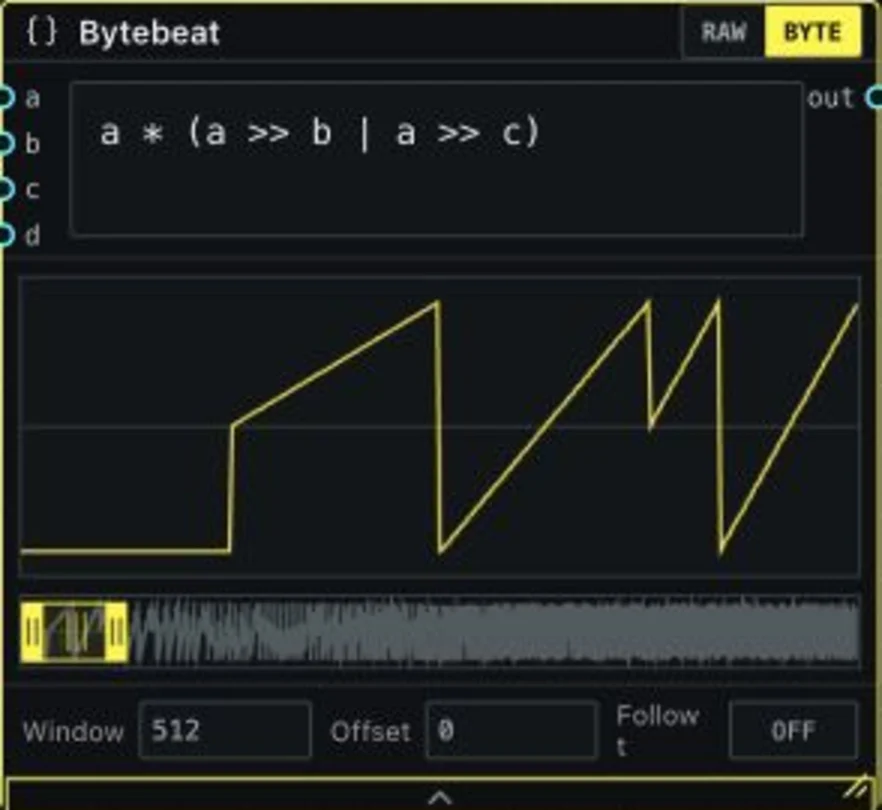
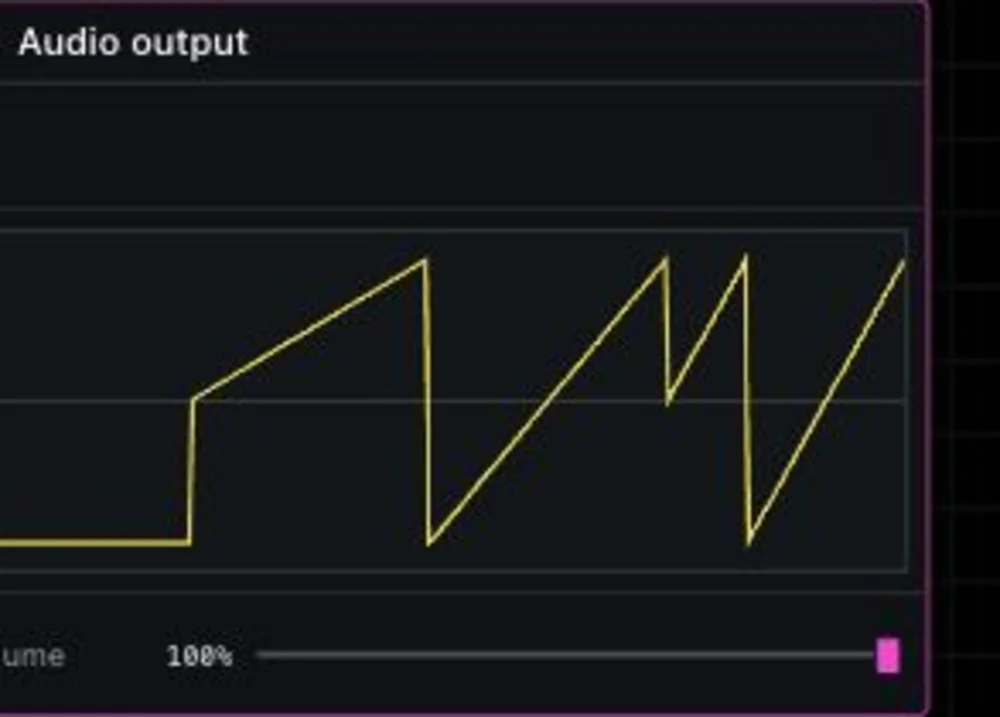
Expand any Bytebeat node for a navigable waveform without adding another graph node. Window, offset, follow mode and the open or collapsed visualization persist with the project. Audio output keeps a direct volume control below the stereo signal.
Why NotBit
NotBit began with a simple tension in bytebeat. The final formula should be tiny, direct and easy to share. But composing inside that final form means rhythm, modulation, voices and panning quickly collapse into a wall of code.
The answer was not to turn every operator into a node. It was to let every node contain a small expression that solves one audible problem. You can concentrate on that sound, connect it to pieces that already work and leave the growing combined formula to the studio.
As compositions became more ambitious, routed cables, compact Auto Layout, collapsible panels and saved visual state kept the separate expressions understandable. Waveforms and MIDI made every piece easier to hear and play while it was still being shaped.
Optimization and export complete the loop only when you ask for them: the graph that organized the expressions can disappear, leaving the single portable bytebeat formula they create together.
Free · no account
Write one piece, make it sound right and connect the next. NotBit will keep the composition readable until you are ready to optimize and take it elsewhere.